
Extend Battery Life With Professional Repairs: Your Battery Repair Options

When your phone or tablet battery starts draining fast, it can be frustrating. You might think it’s time to buy a new device. But often, you can extend your device’s life with the right battery repair options. Professional repairs can save you money and keep your device working longer. I want to share what I’ve learned about how professional help can make a big difference.
Understanding Your Battery Repair Options
Batteries don’t last forever. Over time, they lose their ability to hold a charge. This happens because of chemical changes inside the battery. When your device’s battery life drops, you have a few choices:
Replace the battery yourself (if you have the skills and tools)
Buy a new device
Get a professional battery repair or replacement
DIY fixes might seem cheaper, but they can be risky. You might damage your device or buy a low-quality battery. Buying a new device is expensive and not always necessary. That’s why professional battery repair options are often the best choice.
Professional technicians use the right tools and parts. They can test your battery’s health and decide if it needs repair or replacement. They also handle the job safely, reducing the risk of damage or injury.
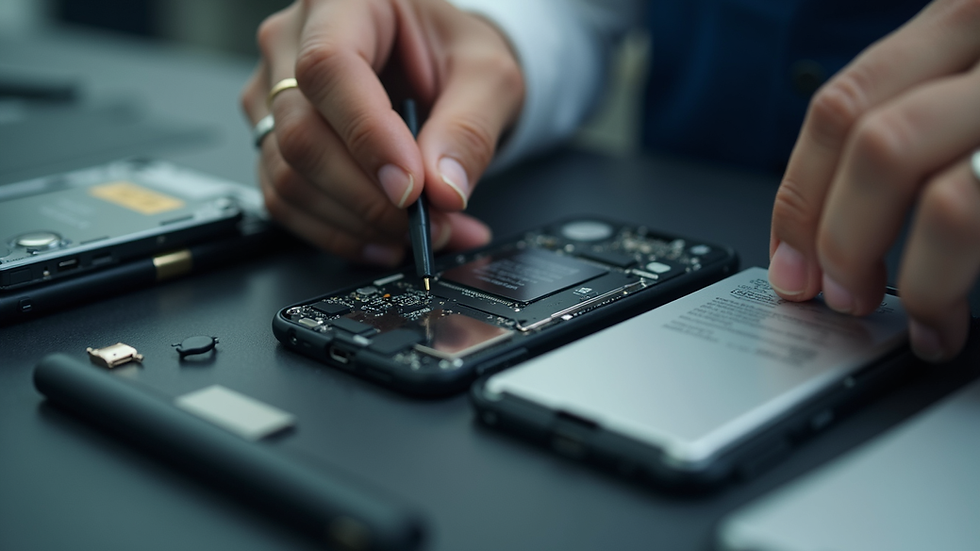
How Professional Repairs Extend Battery Life
Professional repairs do more than just swap out old batteries. They can:
Diagnose battery health accurately: Professionals use special tools to check battery capacity and performance.
Replace batteries with high-quality parts: This ensures your device runs smoothly and lasts longer.
Fix related issues: Sometimes battery problems come with other hardware issues. Professionals can spot and fix these.
Provide warranty and support: If something goes wrong after the repair, you have someone to turn to.
For example, if your phone overheats or shuts down suddenly, it might be a battery issue or a problem with the charging port. A professional can find the root cause and fix it properly.
If you live in Kanata, you can find a trusted battery repair service that offers affordable and reliable repairs. They understand local needs and offer convenient hours, including evenings and weekends.
Can a Damaged Battery Be Repaired?
Many people wonder if a damaged battery can be fixed instead of replaced. The truth is, most lithium-ion batteries cannot be repaired once they are damaged. Damage can include swelling, leaking, or internal short circuits. These issues are dangerous and require immediate replacement.
However, some battery-related problems can be fixed without replacing the battery. For example:
Cleaning corrosion on battery contacts
Repairing charging ports or connectors
Fixing software issues that affect battery performance
If your battery is swollen or leaking, do not try to fix it yourself. A professional repair technician can safely remove and replace the battery. This prevents further damage to your device and keeps you safe.
Signs You Need Professional Battery Repair
Knowing when to seek professional help can save you time and money. Here are some clear signs your device needs a battery repair or replacement:
Battery drains quickly: If your phone loses charge in a few hours, the battery is likely worn out.
Device shuts down unexpectedly: This can mean the battery can’t hold a stable charge.
Phone feels hot during use or charging: Overheating is a warning sign of battery problems.
Battery swelling: If your device’s back cover bulges, stop using it and get professional help immediately.
Charging issues: If your device won’t charge or charges very slowly, the battery or charging system might be faulty.
Ignoring these signs can lead to more serious problems. A professional repair can restore your device’s battery life and prevent damage.

Tips to Maintain Battery Health After Repair
Once you get your battery repaired or replaced, it’s important to take care of it. Here are some simple tips to keep your battery healthy:
Avoid extreme temperatures: Heat and cold can damage batteries quickly.
Use original or certified chargers: Cheap chargers can harm your battery.
Don’t let your battery drain to zero often: Try to recharge before it gets too low.
Avoid overcharging: Unplug your device once it reaches 100%.
Keep software updated: Updates often include battery optimization.
Following these tips can help your new or repaired battery last longer. If you notice any new issues, don’t hesitate to contact your repair technician.
Why Choose Local Professional Repair in Kanata?
Choosing a local professional repair shop in Kanata has many benefits:
Quick turnaround: Local shops often offer same-day or next-day service.
Personalized service: You get honest advice and clear explanations.
Convenient hours: Evening and weekend availability fits your schedule.
Support local business: You help your community grow.
Kanata Repair Studio is a great example. They focus on affordable, reliable repairs with a personal touch. Their team understands the importance of keeping your device working without breaking the bank.
If you want to extend your device’s battery life, professional repairs are the way to go. Don’t wait until your battery fails completely. Reach out to a trusted local repair shop and get your device back to full power.
Taking care of your device’s battery with professional help is smart and cost-effective. It keeps your phone or tablet running longer and saves you from the hassle of buying new devices too soon. When you need a reliable battery repair service, look for experts who offer quality parts, honest advice, and convenient service. Your device will thank you.


Comments