
iPhone 7 Screen Cost: What You Need to Know About LCD Replacement
- Zakaria Botros
- Dec 29, 2025
- 4 min read

If you own an iPhone 7, you know how important the screen is. It’s the main way you interact with your phone. But screens can crack or stop working. When that happens, you might wonder about the iPhone 7 screen cost for repairs. I’ve gathered all the key info to help you understand what to expect when replacing your iPhone 7 LCD.
Understanding the iPhone 7 Screen Cost
The cost to replace an iPhone 7 screen depends on several factors. These include whether you choose an official Apple repair or a third-party service, the quality of the replacement parts, and where you get the repair done.
Apple’s official repair service is reliable but often more expensive. For example, Apple may charge around $150 to $200 for a screen replacement if your phone is out of warranty. This price includes genuine parts and professional service.
On the other hand, local repair shops often offer more affordable options. They might use high-quality aftermarket parts and provide quick service. Prices at these shops can range from $80 to $130, depending on the shop and the parts used.
If you want to save money, third-party repairs are a good choice. But be sure to pick a trusted shop with good reviews. You want your phone fixed right the first time.
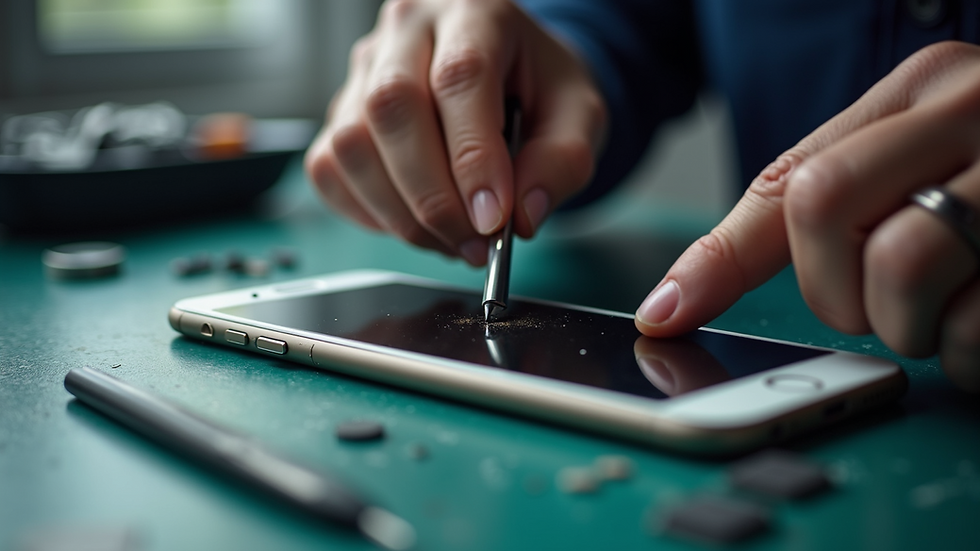
What Affects the iPhone 7 Screen Cost?
Several things can change the price of your iPhone 7 screen replacement:
Type of screen: Original Apple screens cost more. Aftermarket screens are cheaper but may vary in quality.
Damage extent: If only the glass is cracked, the cost is lower. If the LCD underneath is damaged, it’s more expensive.
Repair location: Prices differ between official Apple stores, local shops, and online services.
Warranty and service guarantees: Some shops offer warranties on repairs, which can add value.
For example, if your screen is cracked but the display still works, you might only need a glass replacement. This can cost less than a full LCD replacement. But if the screen is black or shows lines, the LCD is likely damaged and needs full replacement.
If you want to check the current iphone 7 lcd replacement cost, it’s best to contact local shops directly. They can give you a clear quote based on your phone’s condition.
Is the iPhone 7 Still Worth It in 2025?
You might wonder if fixing an iPhone 7 makes sense in 2025. The iPhone 7 was released in 2016, so it’s an older model now. But it can still be a good phone for many users.
Here are some points to consider:
Performance: The iPhone 7 runs iOS 15 and later versions smoothly. It handles everyday tasks like calls, messaging, and browsing well.
Cost of repair vs. replacement: Repairing the screen is much cheaper than buying a new phone. If your phone works fine otherwise, a screen fix can extend its life.
Features: The iPhone 7 lacks some newer features like Face ID and 5G. But if you don’t need those, it’s still a solid device.
Environmental impact: Repairing instead of replacing reduces electronic waste.
If your iPhone 7 still meets your needs, fixing the screen is a smart choice. It keeps your phone working without the high cost of a new device.

Tips for Choosing the Right Repair Service
When you decide to replace your iPhone 7 screen, picking the right repair service is key. Here are some tips:
Look for local shops with good reviews - They often offer personal service and faster turnaround.
Ask about parts quality - Confirm if they use original or high-quality aftermarket screens.
Check warranty terms - A good repair shop will guarantee their work for at least 90 days.
Compare prices - Don’t just pick the cheapest option. Balance cost with quality and service.
Consider convenience - Shops with evening and weekend hours make it easier to get your phone fixed without disrupting your day.
For residents in Kanata, finding a trusted local repair studio can save you time and money. A reliable shop will treat your phone with care and provide honest advice.
What to Expect During the Screen Replacement Process
If you’ve never replaced a phone screen before, here’s what usually happens:
Diagnosis: The technician checks your phone to confirm the damage.
Quote: You get a price estimate based on the damage and parts needed.
Repair: The screen is carefully removed and replaced with a new one.
Testing: The phone is tested to ensure the new screen works perfectly.
Pickup: You get your phone back, usually the same day or within a few days.
The whole process is straightforward and quick. Most local shops can complete the repair in under an hour.
Replacing your iPhone 7 screen is a great way to keep your phone working well without spending a lot. Whether you choose Apple or a trusted local shop, knowing the costs and options helps you make the best decision.
If your iPhone 7 screen is cracked or not working, don’t wait. Reach out to a reliable repair service today and get your phone back in shape. Affordable, honest, and convenient repairs are just around the corner.


Comments